
--{{0}}--
A collaborative drawing canvas for classrooms, built on the LiaScript layer API. Everyone draws on an own layer. Without a classroom you only see your own drawing, it is stored locally and is still there after a reload. As soon as you join a classroom, your layer is synchronized with all others.
Try it on LiaScript:
--{{1}}--
Load the macros via import and set the persistence flag to true, so the drawings keep being updated while you are on another slide.
{{1}}
import: https://raw.githubusercontent.com/LiaTemplates/CollaborativeDrawing/main/README.md

persistent: true
{{1}}
This version needs LiaScript 2.5.0 or newer (LIA.classroom.layer).
The first version, which only synchronizes drawings between connected
participants (pubsub, nothing is stored), stays available as tag 0.0.1:
{{1}}
import: https://raw.githubusercontent.com/LiaTemplates/CollaborativeDrawing/0.0.1/README.md
--{{0}}--
Draw lines with the mouse, a pen or a finger. Width and height define the resolution, the canvas always uses the full available width.
@Collaborative.lines(width,height)
@Collaborative.lines(640,320)
--{{0}}--
The optional third parameter is a background image. The link style is preferred, since relative paths get resolved then.
@[Collaborative.lines(640,320)](url)
--{{0}}--
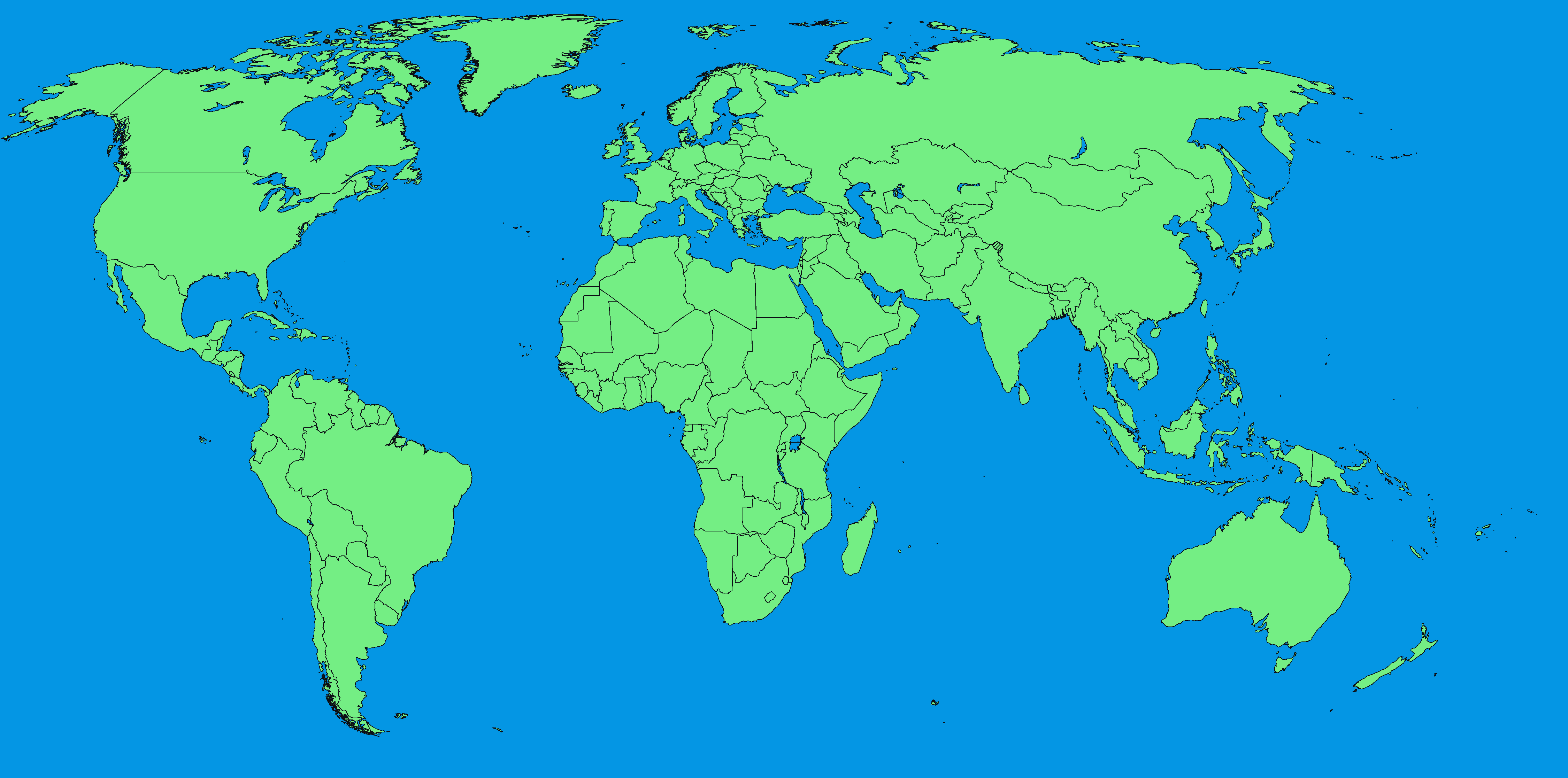
Every click or tap places a dot. Combined with a background image this can be used to mark places on a map.
@[Collaborative.dots(width,height)](url)
--{{0}}--
Above every canvas there is a small toolbar. The tools change your own layer, the drawings of others stay untouched. Only the owner of a classroom can also move and erase the strokes of all others, and they see these changes on their own canvas.
| Tool | What it does |
|---|---|
| ✏️ | draw lines, or place dots in @Collaborative.dots |
| ✋ | drag one of your strokes to another place |
| 🧽 | click one of your strokes to remove it |
| ↶ ↷ | undo and redo your last steps, also Ctrl+Z and Ctrl+Y on the canvas |
| 🗑️ | clear your own drawing, this can be undone as well |
--{{1}}--
Undo works per stroke: while you draw, the others see the line growing, when you release it becomes one stroke, which is undone as a whole. The undo history lasts until the page is reloaded, or until the owner changes your drawing, so that an undo cannot take back the owner's change.
--{{0}}--
Visibility follows the classroom mode, in the same way as quiz answers.
| Situation | You see |
|---|---|
| no classroom | your own layer |
| classroom, Shared | all layers |
| classroom, Summary | your own layer, the owner sees all layers |
| classroom, Details | your own layer, the owner sees all with names |
| after leaving | your own layer, including what you drew in the classroom |
--{{1}}--
Every person draws in the same color and with the same emoji as in the chat,
the buttons below a canvas name who drew what.
A click on a name hides or shows that drawing, all and none switch all of
them at once.
This only changes your own view, for example to look at the solutions of a
class one by one, and hidden drawings cannot be moved or erased.
--{{0}}--
The whole logic lives in the @onload block of this file.
It only uses the layer part of the LiaScript classroom API.
// an own layer per peer, stored locally and synchronized in a classroom,
// named "<template>:<name>", so it does not mix with other templates
const layer = LIA.classroom.layer('CollaborativeDrawing:' + id)

// called with all visible layers, whenever one of them changes
layer.on((layers) => {
  // layers = [{ id, name, me, editable, color, symbol, values: [...] }]
})

// one value per stroke: [x, y] for a dot, [x1, y1, x2, y2, ...] for a line
layer.push(stroke)

// undo, erase, move: read the own layer, change it, write it back
const own = layer.get()
layer.set(own.slice(0, -1))

// the classroom owner may also change the layers of others,
// layers[i].editable tells which ones
layer.set(values, layers[i].id)
--{{1}}--
set only sends what actually changed: removing the last stroke is a single
delete for the others, not a copy of the whole drawing.
--{{2}}--
Layer names and pubsub topics are shared by all templates of a course.
That is why the name starts with the template, CollaborativeDrawing:, and
on purpose the same name lets several templates work on the same drawing.
The rest of the name is built from @uid, so it stays the same for everyone
using the same version of a course.
If you reorder canvases in a course, previously drawn layers are no longer
found.