



A C# engine on SDL3, Vulkan, ImGui and Slang. Raylib's design over a Bevy-style ECS and scheduler, scripted with its own Unity-style behaviors. Implementing Radiance Cascades. [e3d.cs]





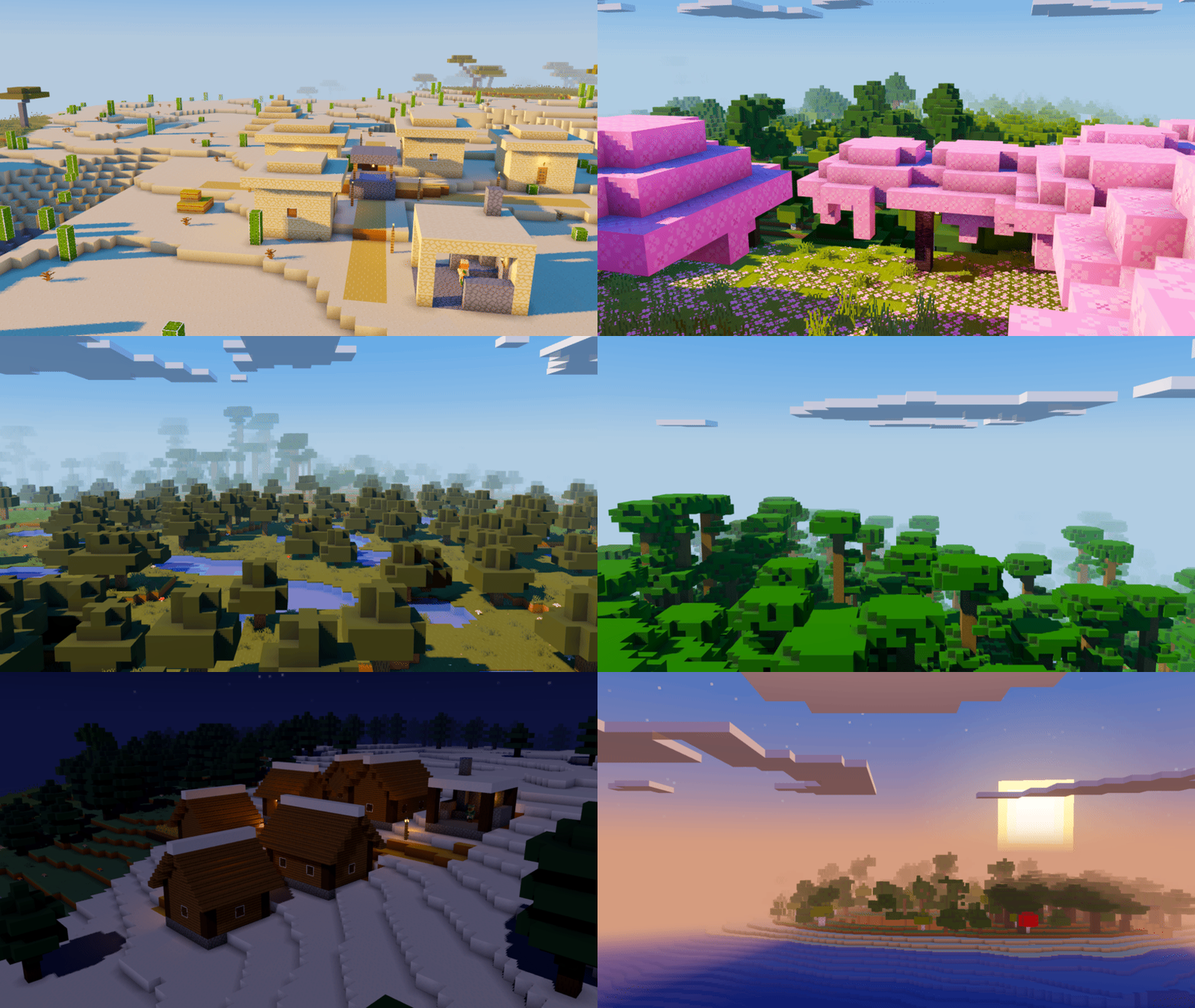
Voxel Sandbox - A voxel game written in C# on 3DEngine. Implementing Radiance Cascades. [e3d.cs]
Bevy C# [Behavior] on a struct are component & systems, generated at compile or runtime and wired straight into Bevy's ECS. Implementing Radiance Cascades. [bcs]


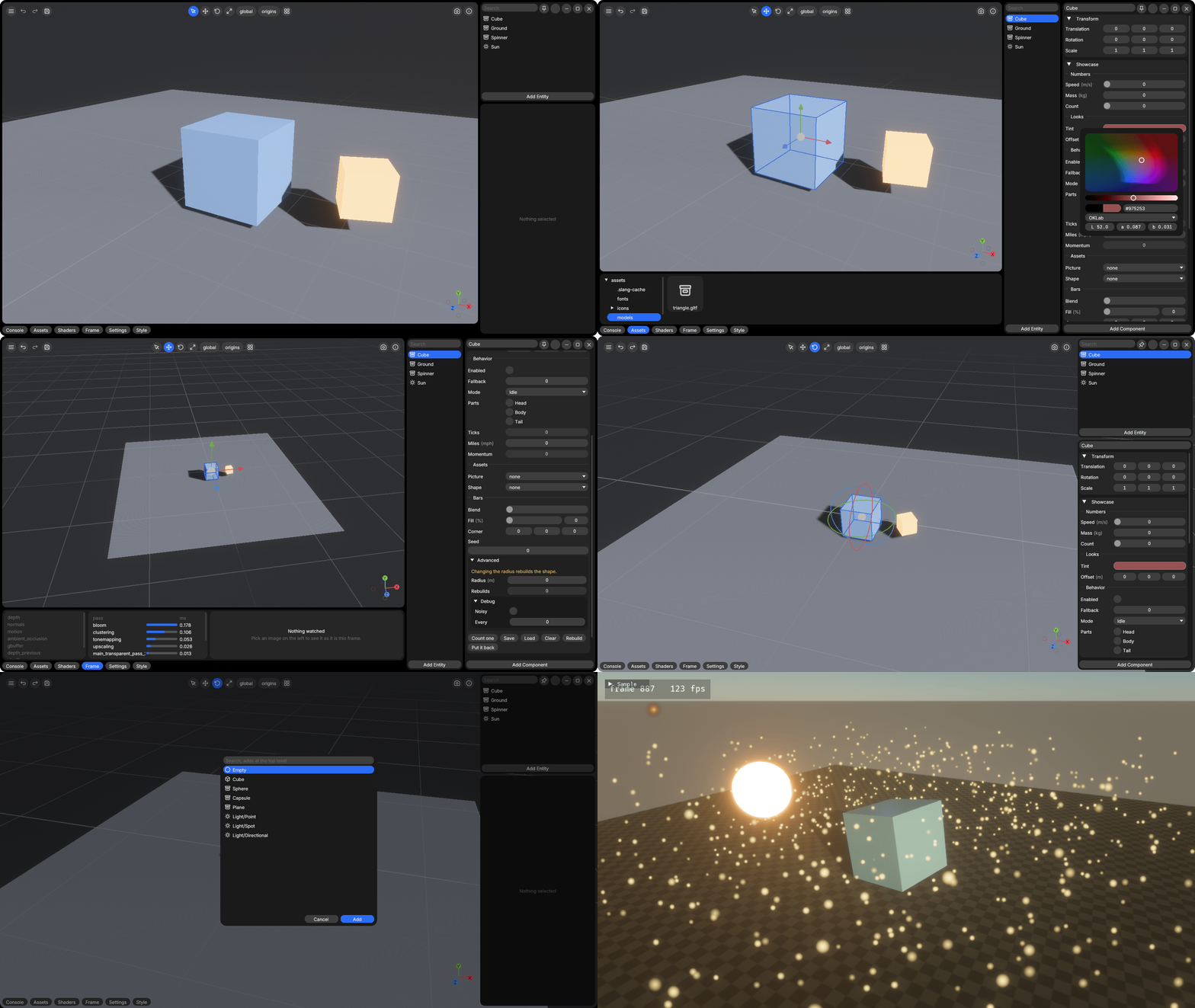
Libraries the engines take as git submodules, so one solution serves both.
- Modeling - An edit mesh shaped by operations through a selection, with recipes and commands
- Vegetation - Trees and grass grown from a species and a seed, with their texture sets and placement
- Levels - Levels in the Valve 220 map format, brushes to meshes and collision, with TrenchBroom's files
- Landscape - A heightfield shaped by stamps and erosion, with vegetation placed over it
- Sky - The sky's clock, the sun's and the sky's light in physical units, the atmosphere's parameters, the weather and the looks by the sun's height, both engines lighting from its numbers while each draws its own sky
- RadianceCascades - The radiance cascades' CPU side and Slang shaders, each engine binding its own GPU side
- Tools - The scripts and document sources the repositories share, the devlog generator and the run reader among them
- 02Gnome - Configure and customize your GNOME environment in one command
- UniversalSceneDescription - OpenUSD USD.NET (Universal Scene Description) by Pixar and translated by Unity
- MaterialX.Net - A single-package .NET binding for the MaterialX rich material and look-development content in computer graphics
- UltralightNet.Bundle - A single-package .NET binding for the Ultralight HTML rendering engine
A modular package ecosystem for Unity 6 and HDRP, production-ready building blocks for game and simulation development, from core architecture and environment systems to graphics, networking and editor tooling. Each module installs on its own, and the dependencies between modules resolve automatically. All scripts live in the UnityEssentials namespace.
Installation
-
Add the package through Unity's Package Manager, in the Window menu, with the plus button and "Add package from git URL", pasting
https://github.com/EggyStudio/UnityEssentials.git -
Install modules from the Tools menu, under UnityEssentials and Install & Update. Select single modules or install all, and run it again at any time to update.